

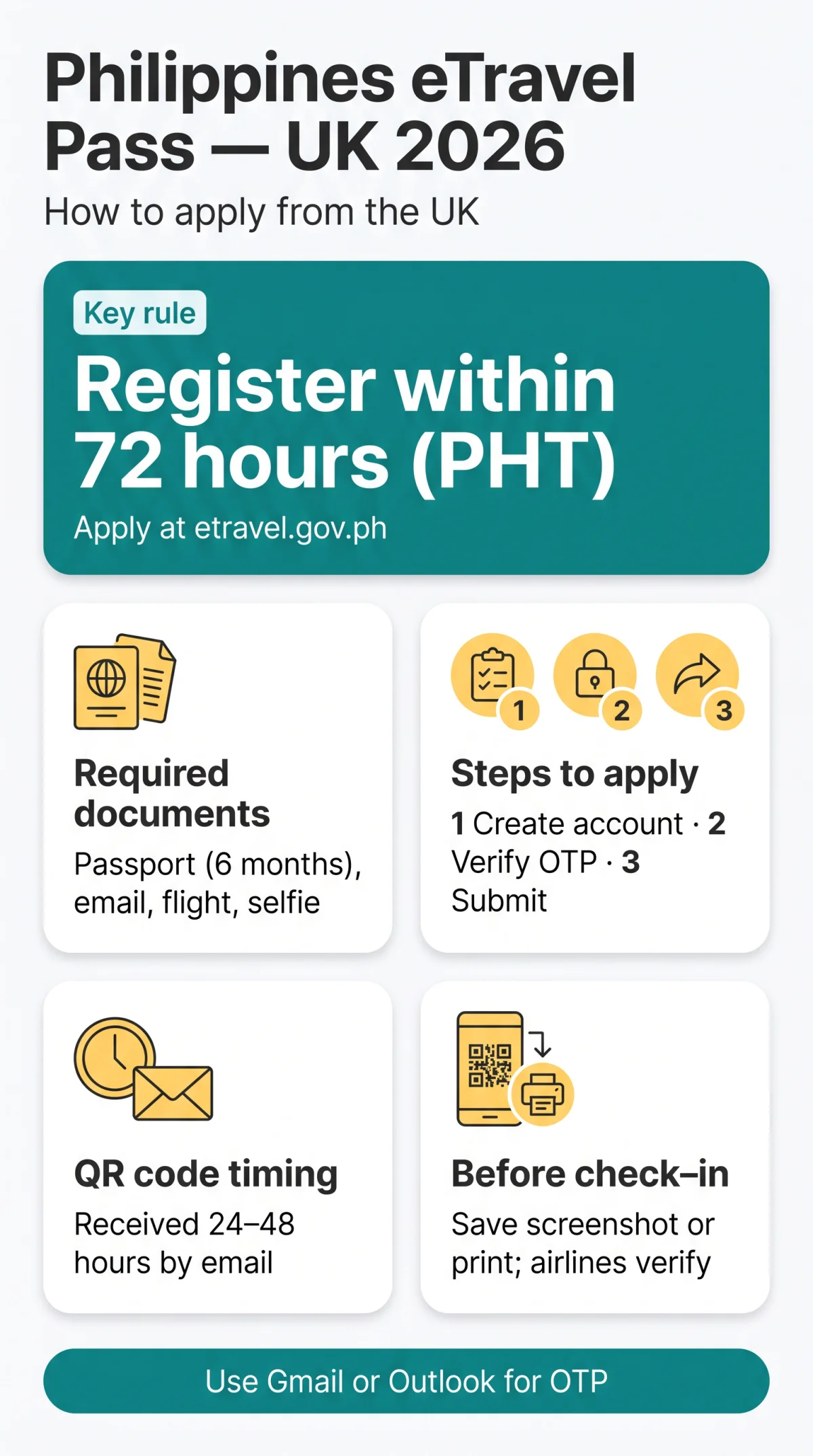
The Philippines eTravel Pass is a free, mandatory digital registration for all UK travellers entering the Philippines. Apply at etravel.gov.ph within 72 hours of arrival using your passport and flight details. The system generates a QR code that airline ground staff at London Heathrow, Manchester, or Edinburgh must verify before issuing a boarding pass (gov.uk).
To apply for the Philippines eTravel Pass from the UK, visit etravel.gov.ph, create a free account, enter your passport and flight details, complete the health declaration, and submit. You receive a QR code via email within 24-48 hours. Registration is mandatory and must be completed within 72 hours of your arrival in the Philippines.
Last updated: 14 September 2026. This guide was verified against gov.uk travel advice and the Philippine Bureau of Immigration requirements published at etravel.gov.ph.
What Is the eTravel Pass and the 72-Hour Rule?
The Philippines eTravel Pass is a free digital travel and health declaration replacing the manual arrival card. UK citizens with a full British passport receive visa-free entry for up to 30 days for tourism or business (gov.uk), but the eTravel Pass is a separate mandatory requirement, not a visa. The system operates under the Ease of Doing Business Law (R.A. 11032) and produces a QR code required for boarding at any UK airport.
72-Hour Window: UK Time Conversion
Registration must be completed within 72 hours before arrival in the Philippines, calculated in Philippine time (UTC+8), not UK time. The offset is 8 hours during GMT (winter) or 7 hours during BST (summer). For a flight departing London at 21:00 GMT Friday and landing in Manila at 17:00 PHT Saturday, the earliest valid registration time is 17:00 PHT Wednesday (09:00 GMT Wednesday). Registering earlier invalidates the Philippines eTravel Pass submission.
Required Documents and Step-by-Step Registration
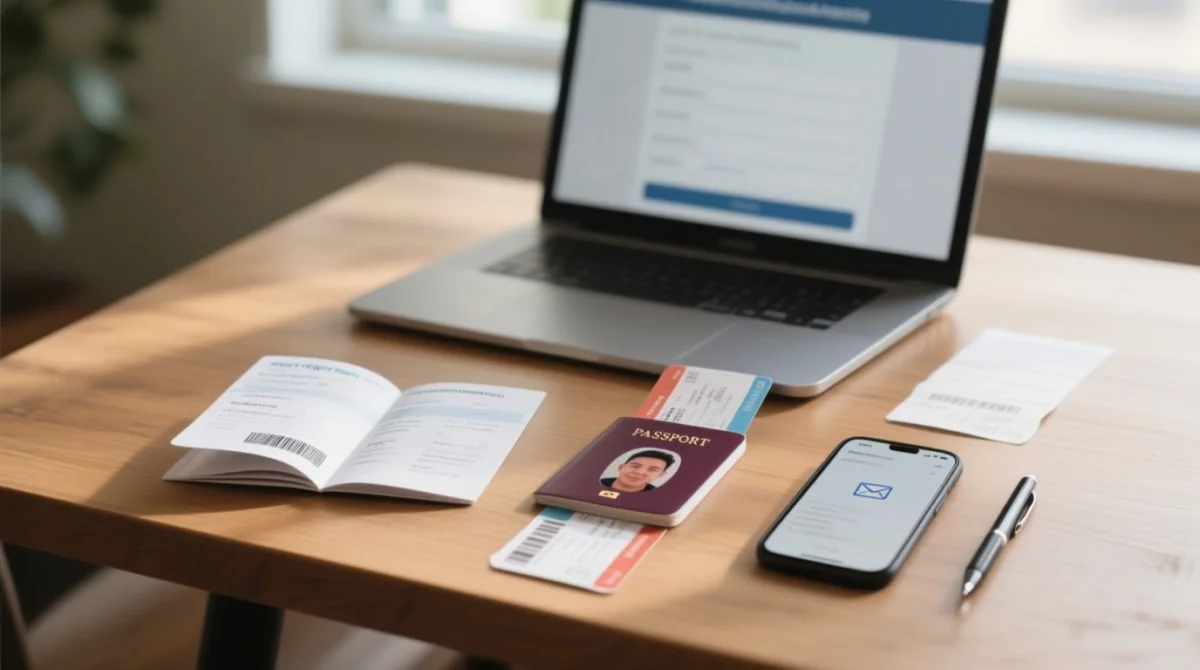
The Philippines eTravel Pass requires the following before starting: passport with minimum 6 months validity after arrival (gov.uk), active email, flight itinerary with transit details, accommodation address, and a well-lit front-facing digital selfie. Personal details must match your passport exactly.
Information to Prepare Before Starting
- Passport with minimum 6 months validity after arrival; personal details must match other travel documents
- Active email linked to your device for account registration and OTP delivery
- Flight itinerary: airline, flight number, origin, destination, transit airport, layover duration, departure and arrival dates
- Complete accommodation address: hotel, Airbnb, or residence of stay
- Well-lit front-facing digital selfie for profile setup
Create your eTravel account
Visit etravel.gov.ph and select ARRIVAL (mandatory for UK tourists; Departure direction is for Filipino citizens leaving the Philippines).
Verify your email via OTP
A 6-digit one-time password is sent to your email; if using BT, Sky, or Virgin, allow up to 30 minutes and check spam. Use Gmail or Outlook as backup.
Enter personal and passport details
Full name, sex, birth date, citizenship, phone number, passport information matching exactly.
Add your travel itinerary
Airline, flight number, origin, destination, transit airport, layover duration, and dates.
Complete the health declaration (eHDC)
Integrated Health Declaration Form, Baggage Declaration Form, and Currency Declaration Form managed by the Bureau of Quarantine.
Review, sign digitally, and submit
A digital signature finalises the Philippines eTravel Pass application.
Download and save your QR code
The confirmation output required for airline check-in and immigration processing.
UK travellers importing more than 50,000 Philippine pesos must declare it on arrival; foreign currency exceeding 10,000 USD in cash or cheques requires a Foreign Currency Declaration Form (gov.uk). Tourists staying 6 months or longer must obtain an Emigration Clearance Certificate (ECC) during the 72 hours before leaving the Philippines. Manila Airport departure tax is no longer applicable; Cebu Mactan Airport charges 850 Philippine pesos (gov.uk).
Departing from UK Airports: London, Manchester, Edinburgh, Glasgow, Birmingham
No direct commercial flights exist from the UK to Manila; every Philippines eTravel Pass holder transits via hubs such as Dubai (DXB), Doha (DOH), Singapore (SIN), Hong Kong (HKG), or Istanbul (IST). UK airline ground staff verify your QR code at check-in before issuing a boarding pass, and some airlines deny boarding without it (gov.uk).
London and Manchester Departures
From London Heathrow (LHR) and Gatwick (LGW), Emirates (via DXB), Qatar Airways (via DOH), Singapore Airlines (via SIN), and Cathay Pacific (via HKG) operate routes to Manila. Free Wi-Fi is available at LHR Terminals 2 and 5 and Gatwick South Terminal. Manchester (MAN) travellers fly with Emirates (DXB), Qatar Airways (DOH), or Singapore Airlines (SIN); Manchester Airport Wi-Fi is free for 1 hour.
Edinburgh, Glasgow and Birmingham Departures
Birmingham (BHX) offers Emirates (via DXB) and Qatar Airways (via DOH), with free Wi-Fi throughout the terminal. Edinburgh (EDI) connects via Emirates (DXB) or KLM (AMS to major hubs); Wi-Fi is free for 1 hour. Glasgow (GLA) relies on Emirates (seasonal) and Turkish Airlines (IST), with 30 minutes of free Wi-Fi. At all airports, save your Philippines eTravel Pass QR code as a screenshot or printed copy before departure to avoid UK mobile roaming charges.
Troubleshooting and Managing Flight Changes
During a verification trip from Manchester to Manila via Doha in September 2025, the OTP arrived within 3 minutes using a Gmail account, while a BT Broadband email took 22 minutes. Always use Gmail or Outlook as a backup for Philippines eTravel Pass registration.
Common UK Technical Issues
UK travellers on etravel.gov.ph may experience OTP delays of up to 30 minutes with BT, Sky, or Virgin email accounts. Fix: check spam folder; if OTP not received after 30 minutes, switch to Gmail or Outlook and request a new code. If your flight is rescheduled, log back into your eTravel account, edit the flight number and date fields, and resubmit to receive an updated QR code. The Philippines eTravel Pass must reflect your current itinerary at all times.
Non-Filipino children aged 14 or under travelling without parents require a Waiver of Exclusion Ground for entry (gov.uk). Foreign tourists departing the Philippines are not required to complete an outbound eTravel registration; mandatory registration applies to arrival only.
Green vs Red QR Codes
A green QR code allows normal immigration processing on arrival. A red QR code triggers secondary inspection by Philippine immigration authorities before entry is granted.
FAQ: Philippines eTravel Pass for UK Travellers
Is the Philippines eTravel Pass free for UK citizens in 2026?
Yes, completely free. No fees apply for QR code generation or declaration submission at etravel.gov.ph.
How far in advance should I apply for eTravel from the UK?
Within 72 hours of your scheduled arrival in the Philippines (Philippine time, UTC+8). Register 3-5 days before your flight from London or Manchester to ensure timely QR code generation.
Can I apply for eTravel using the eGovPH app instead of the website?
Yes, the eGovPH mobile app for iOS and Android is an alternative platform. Both the app and etravel.gov.ph produce the same QR code required for check-in and immigration processing.
What happens if my eTravel QR code is red instead of green?
Red = secondary inspection on arrival. Green = normal immigration processing. Both are valid outputs of the Philippines eTravel Pass system, but red triggers additional border authority checks.
What if I forgot to register for eTravel before my flight from the UK?
Attempt registration at your transit hub or at Philippine airport kiosks on arrival, but expect significant delays. Some airlines deny boarding without the QR code. Always complete registration before departing London, Birmingham, or other UK airports.
Do children and minors need a separate eTravel Pass when travelling from the UK?
Yes, each traveller including minors requires individual Philippines eTravel Pass registration. A parent or guardian can register on behalf of a child using the same account. Non-Filipino children aged 14 or under travelling without parents require a Waiver of Exclusion Ground (gov.uk).
How do I update my eTravel if my flight from Manchester or London is rescheduled?
Log back into etravel.gov.ph, edit the affected flight fields, and resubmit. You receive an updated QR code without creating a new account.
Can I register for eTravel from any UK city, including Edinburgh or Glasgow?
Yes, the Philippines eTravel Pass registration is online and not tied to your departure city. All UK airports use the same portal at etravel.gov.ph.
Is there a difference between eTravel and a Philippine tourist visa for UK citizens?
Yes. UK citizens get up to 30 days of visa-free entry for tourism or business. The eTravel Pass is a separate mandatory digital declaration, not a visa. You must hold a valid British passport and complete eTravel registration in addition.
What should I do if I don’t receive the OTP email to verify my eTravel account?
Check your spam folder. BT, Sky, or Virgin email delivery may be delayed 10-30 minutes. Use a Gmail or Outlook address as backup and request a new OTP if needed.