

The eTravel Pass Philippines for Filipinos is a free, mandatory digital registration for all citizens entering or departing the country. Travellers register at etravel.gov.ph within 72 hours of departure to receive a QR code for immigration clearance. Dual citizens, balikbayan travellers, and OFWs face specific registration rules detailed in this guide.
Last reviewed: September 2026. This article is for informational purposes only and is not affiliated with the Philippine government. Always refer to etravel.gov.ph for the most current requirements.
What Is eTravel and Who Must Register?
The eTravel Pass Philippines for Filipinos is the Philippine One-Stop Electronic Travel Declaration System, mandated under R.A. 11032 (Ease of Doing Business Law) and implemented by the Bureau of Immigration (BI). It replaced the abolished paper-based quarantine form with a single online registration generating a QR code for border clearance. A green QR code permits passage through immigration; a red code triggers secondary inspection.
Registration is mandatory for all arriving Filipino citizens; departing Filipinos are generally required to register as well. The eTravel Pass Philippines for Filipinos is accessible via etravel.gov.ph or the eGovPH mobile app. The National Privacy Commission (NPC) partners with the BI on data governance. According to a BI advisory dated 2024-02-15, Immigration Commissioner Norman Tansingco confirmed that fraudulent sites charging fees produce invalid QR codes. The following categories are exempt:
- Foreign diplomats and their dependents
- Foreign dignitaries and delegation members
- 9(e) visa holders (accredited foreign government officials, e.g., ambassadors and consul officers)
- Holders of diplomatic, official, or service passports qualifying for special visa arrangements
eTravel for Balikbayan Travelers – Declare Your Status to Activate Visa-Free Entry
Balikbayan travellers must declare their status during eTravel Pass Philippines for Filipinos registration to activate the 1-year visa-free entry privilege under the Balikbayan Law (RA 6768 as amended by RA 10026).
Eligibility checklist:
- Former Filipino citizen, OR
- Spouse or child of a former Filipino citizen travelling together with them
Accepted ID documents to upload:
- Identification Certificate of Identity
- Old or expired Philippine passport
- Foreign passport (if no Philippine passport is available)
Select the balikbayan status field during registration. Failure to declare results in processing as a standard foreign national, potentially requiring a visa on arrival. At the immigration counter, state: “I am a balikbayan under the Balikbayan Law.” The eTravel Pass Philippines for Filipinos does not automatically detect balikbayan status; the traveller must declare it manually. A UK-based former Filipino citizen who uploads an expired Philippine passport and declares balikbayan status typically receives a green QR code within minutes, whereas failing to declare triggers a red QR code and secondary inspection.
eTravel for Dual Citizens – Which Passport Should You Register?
Dual citizens under RA 9225 (Citizenship Retention and Re-acquisition Act) should register their Philippine passport in the eTravel Pass Philippines for Filipinos to avoid a red QR code and immigration delays.
| Document | Scenario | Recommended Action |
|---|---|---|
| Philippine passport | Valid and available | Always preferred; register this document for all arrivals/departures |
| Foreign passport | Philippine passport expired or unavailable | Register foreign passport + bring Identification Certificate of Identity to airport |
| Identification Certificate of Identity | Reacquired citizenship but no Philippine passport | Use as secondary option; register with this document |
Registering a British passport when a valid Philippine passport exists may trigger a red QR code, adding 15-30 minutes of manual inspection. For name mismatches between passports, use the name as it appears on the passport being registered. UK-based dual citizens should carry both passports to the airport, as the immigration officer may request either document. The eTravel Pass Philippines for Filipinos requires data consistency across all travel documents.
eTravel for OFWs – Exemptions, OEC, and What’s Different
OFWs are generally exempt from eTravel Pass Philippines for Filipinos departure registration but must still complete eTravel registration upon arrival in the Philippines.
The eTravel system does not cross-reference OEC (Overseas Employment Certificate) or DMW (Department of Migrant Workers) records. However, mismatched names between OEC and passport can cause issues at immigration. eTravel also does not pull OWWA (Overseas Workers Welfare Administration) data; keep the OWWA membership receipt accessible but it is not required for registration.
UK-based OFW checklist:
- Passport with 6+ months validity
- OEC reflecting current UK employer and contract details
- OWWA receipt (optional but recommended)
- Flight details and accommodation address
OFWs departing from the UK, the largest single-country Filipino diaspora in Europe, should ensure OEC details are current before initiating eTravel Pass Philippines for Filipinos registration.
How to Register for eTravel – Step by Step
The eTravel Pass Philippines for Filipinos requires a passport with at least 6 months validity, an active email for 6-digit OTP verification, flight number, and lodging address (hotel, Airbnb, or residence).
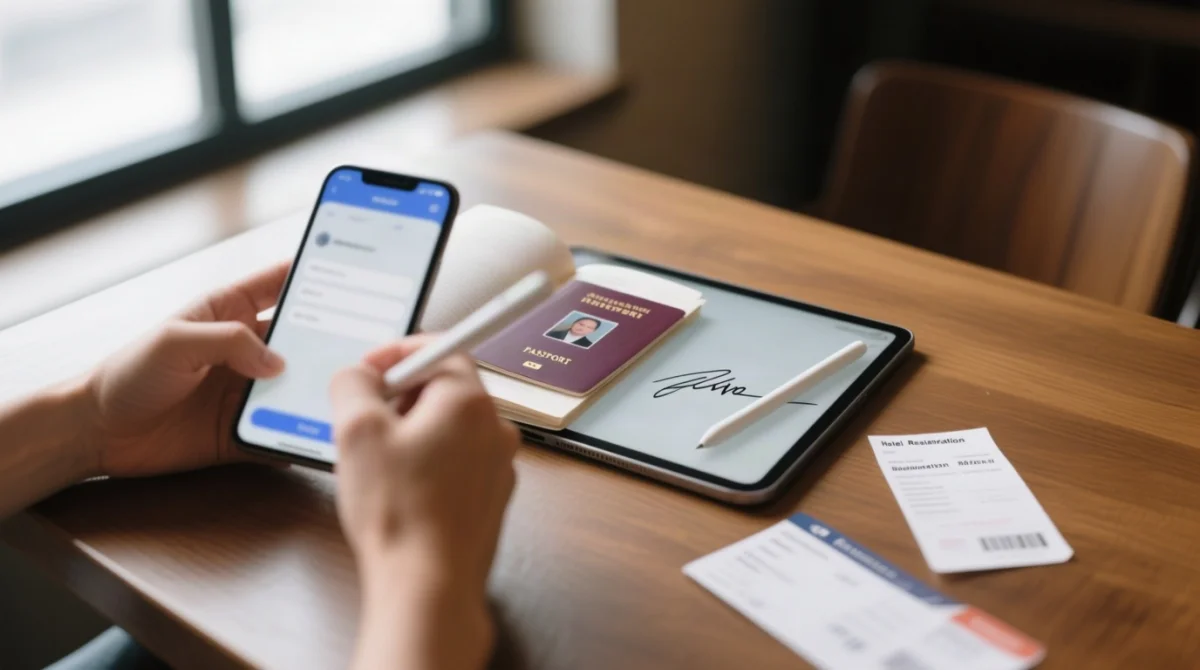
Access the portal
Go to etravel.gov.ph or download the eGovPH app.
Create an account
Use an active email and enter the 6-digit OTP sent for verification.
Enter personal information
Provide passport details. Data must match other travel documents.
Upload a selfie
Provide a well-lit, front-facing digital selfie during initial profile setup.
Enter flight details
Flight number, itinerary, booking information, arrival/departure date.
Enter lodging address
Hotel, Airbnb, or residence; complete address required.
Select beneficiary and travel direction
Choose beneficiary (self or immediate family member) and direction (arriving in or departing from the Philippines).
Complete health and currency declarations
Fill in the Electronic Health Declaration Card (eHDC), managed by the Bureau of Quarantine (BOQ), and the mandatory Currency Declaration Form. Apply your digital signature at the declaration stage.
Submit and receive your QR code
Green permits passage; red triggers secondary inspection.
Cruise passengers: scan the QR code at port for registration.
When Should You Register? The 72-Hour Rule
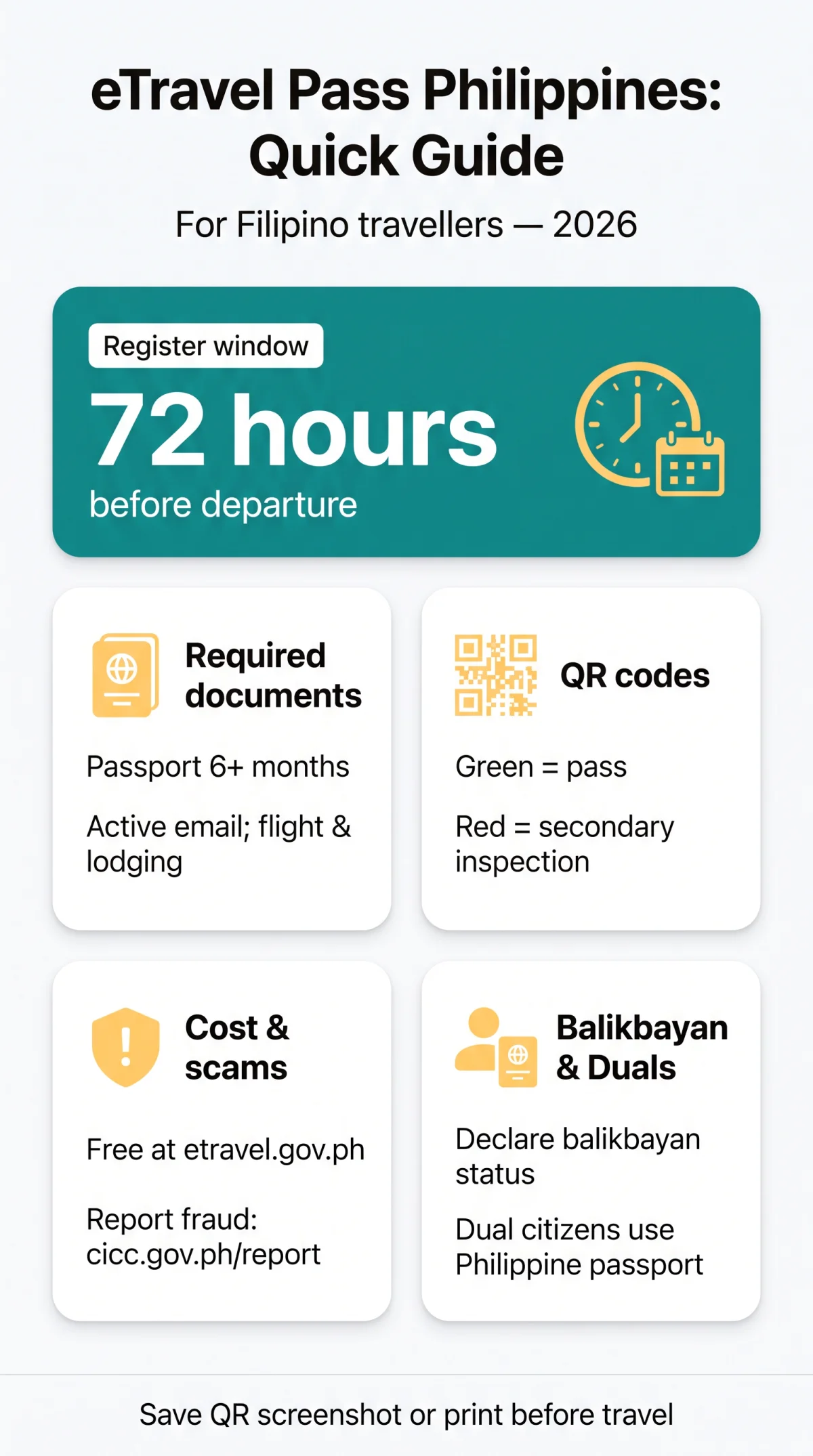
Registration opens 72 hours before scheduled departure. Registering earlier may result in rejection; registering too late risks not receiving the QR code in time. The QR code is single-use per journey and expires after arrival or departure processing. Register exactly 72 hours before departure and download the QR code immediately.
What If You Made a Mistake After Submitting?
Return to etravel.gov.ph, log in with your email, and attempt to edit the information or generate a new QR code. If edits are not possible, re-register with corrected information. Fix errors as early as possible.
eTravel Cost, QR Codes, and What to Expect at the Airport
The eTravel Pass Philippines for Filipinos is completely free at etravel.gov.ph. Processing is typically instant to a few minutes; in rare cases, up to a few hours. Each QR code is single-use per journey and non-reusable for recurring trips. Present the QR code (digital or printed) at the immigration counter. For departing Filipinos, the departures section captures tax-relevant data for Philippine Travel Tax assessment.
How to Spot and Avoid eTravel Scams
Only etravel.gov.ph is the legitimate portal. Red flags: websites asking for payment, URL misspellings, or charges in US dollars. Fraudulent sites have charged PHP 3,000 to PHP 5,000, producing QR codes that cannot be accessed in the actual system. Report fraud to the Cybercrime Investigation and Coordinating Center at cicc.gov.ph/report. Contact the Bureau of Immigration at (+632) 8-524-3769, trunk line (+632) 8-465-2400, or [email protected].
No Internet at the Airport – Here’s What to Do
Use one of these fallback options: (1) screenshot or PDF of the QR code saved on your device, (2) print the QR code at home, (3) use the eGovPH app offline cache, (4) visit the eTravel help desk at NAIA Terminals 1, 2, or 3. BI officers at passenger terminals can assist with on-the-spot registration.
Health Declaration (eHDC) – What You Need to Know in 2026
As of 2026, the eHDC remains integrated into the eTravel Pass Philippines for Filipinos, managed by the Bureau of Quarantine (BOQ). Scope is a symptom checklist, not a full vaccination record. The BOQ still reviews submissions for health monitoring and safety measures.
FAQ
Is eTravel still required to enter the Philippines in 2026?
Yes. As of 2026, all Filipino citizens and foreign nationals arriving must complete eTravel registration at https://etravel.gov.ph/ before their trip. Exemptions apply to diplomats, 9(e) visa holders, and official passport holders.
Do Filipinos need to fill out eTravel when departing the Philippines?
Yes. Filipino citizens are generally required to complete eTravel registration for departure. Departing foreign tourists are typically not required to register.
How long does it take to get an eTravel Pass QR code?
Processing is typically instant. After submitting the form and verifying your email via 6-digit OTP, the system generates a QR code within minutes. In rare cases, it may take up to a few hours.
Can I reuse my eTravel QR code for multiple trips?
No. Each QR code is valid for a single journey only. Register separately before every arrival or departure to generate a new QR code.
What documents do I need before registering for eTravel?
Passport with 6+ months validity, flight details (number, dates, origin/destination), accommodation address in the Philippines, and an active email for OTP verification.
Is there a fee to register for eTravel?
No. Registration is completely free at https://etravel.gov.ph/. Any website or app requesting payment is fraudulent.
Can my child travel without their own eTravel Pass?
No. Every traveller, including minors, must have their own eTravel registration. A parent or guardian can complete the registration on behalf of a minor using the minor’s passport details.
What should I do if I made an error in my eTravel registration?
Return to https://etravel.gov.ph/, log in with your email, and attempt to edit the information or generate a new QR code. Correct errors as early as possible.
Which passport should I use for eTravel if I hold dual citizenship?
Register your valid Philippine passport under RA 9225. If travelling on a foreign passport only, use the Identification Certificate of Identity. UK-based dual citizens should carry both passports to the airport.
Is there an eTravel help desk at NAIA airports?
Yes. eTravel assistance is available at NAIA Terminals 1, 2, and 3. Bureau of Immigration officers can assist with on-the-spot registration.