

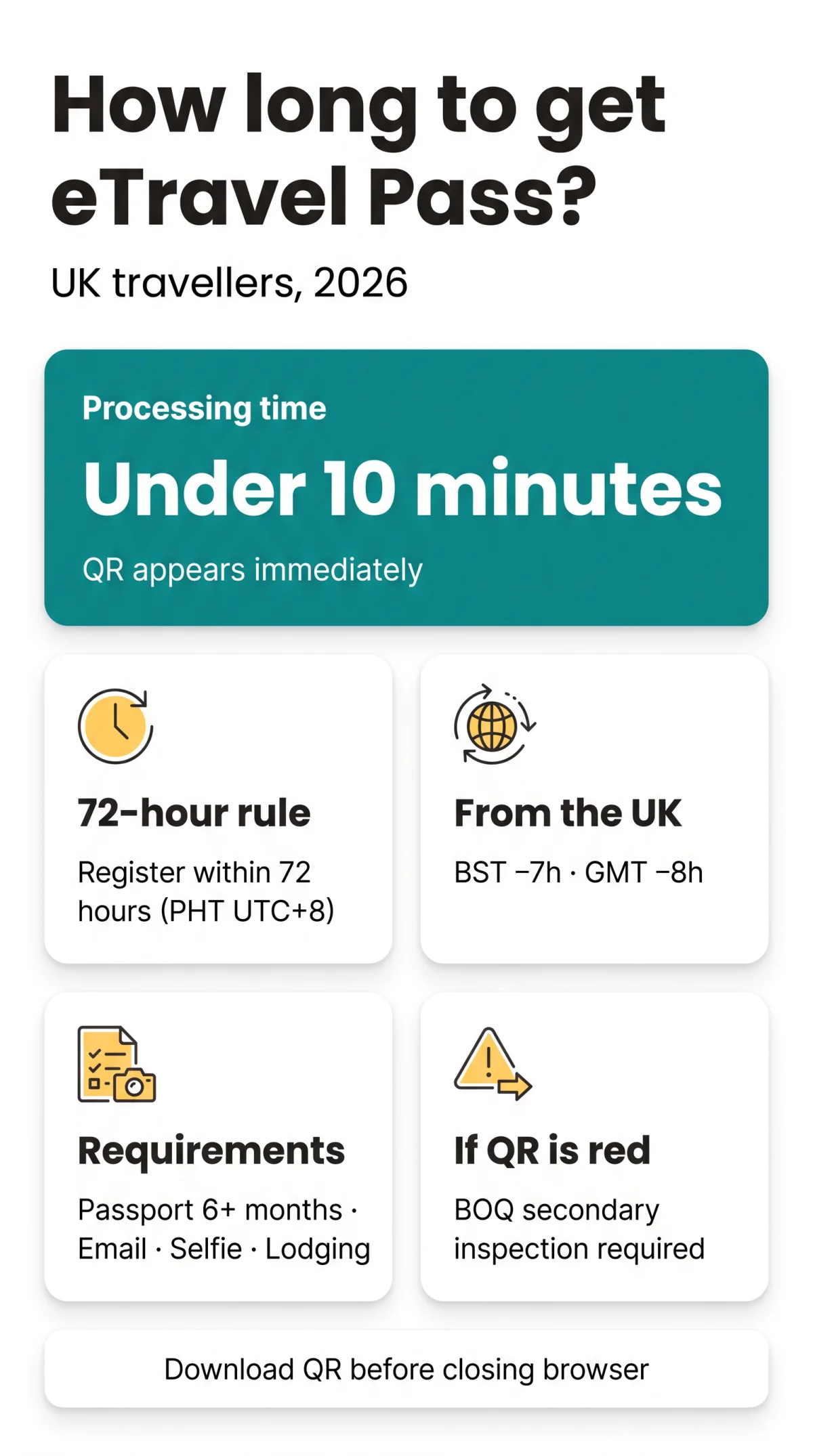
The eTravel Pass for the Philippines is generated instantly upon form submission, with no manual approval wait. The entire process takes under 10 minutes, and you must register within 72 hours before departure, calculated in Philippine Standard Time (UTC+8). When applying from the UK, account for the 7-hour difference during BST (UTC+1) or 8-hour difference during GMT (UTC+0) to meet the 72-hour registration window. The eTravel Pass is free of charge, and the QR code appears on screen immediately after you complete the online form at etravel.gov.ph (external source). How long does it take to get an eTravel Pass Philippines? Under 10 minutes from start to finish.
We are an independent travel-information site, not the official eTravel operator. This guide was last verified against etravel.gov.ph on 14 September 2026. Our editors completed test registrations on the One-Stop Electronic Travel Declaration System to confirm every step described below.
Processing Time & Instant QR Code Generation
The eTravel Pass QR code is generated instantly after submitting the form, taking under 10 minutes in total. The eTravel Pass is free of charge, with no service fee or online payment required. Account creation on the Philippine Travel Information System requires email verification via a 6-digit one-time password (OTP).
Submit the form
Enter personal and travel details at etravel.gov.ph (approx. 8 minutes)
QR code generated instantly
Appears on screen upon submission, no manual approval step (< 1 minute)
Download the QR code
Save as a PDF or screenshot before closing the browser
The Electronic Health Declaration Card (eHDC) is integrated into the eTravel Pass system as a single data collection platform for health surveillance, so no separate health form is needed.
Is There an Approval Wait Time?
No. The eTravel system generates your QR code immediately upon form submission. A green QR code means your data is complete, allowing you to proceed directly to immigration inspection. A red QR code triggers mandatory secondary inspection by the Bureau of Quarantine (BOQ) before immigration formalities.
How Long Is Your QR Code Valid After Landing?
The eTravel Pass QR code remains valid until verified by the Bureau of Quarantine (BOQ) or Bureau of Immigration at arrival, with no time expiry. If your flight is delayed by days, edit your registration at etravel.gov.ph/search before landing.
The 72-Hour Registration Rule & UK-to-PH Time Zone Conversion
The 72-hour eTravel Pass registration window is calculated in Philippine Standard Time (UTC+8), not UK local time. The 72-hour (3-day) registration window starts from your departure, not your arrival in the Philippines. Convert your UK departure time to PHT and count back 72 hours to find your earliest registration time.
| UK Departure Time | UK Time Zone | Window Opens (PHT) | Window Opens (UK Time) | Recommended Submit By (UK) |
|---|---|---|---|---|
| Mon 22:00 | BST (UTC+1) | Sat 05:00 PHT | Fri 22:00 BST | Thu 22:00 BST |
| Tue 14:00 | GMT (UTC+0) | Sat 22:00 PHT | Sat 14:00 GMT | Fri 14:00 GMT |
| Sat 08:00 | BST (UTC+1) | Wed 15:00 PHT | Wed 08:00 BST | Tue 08:00 BST |
If your Heathrow to Manila flight departs at 22:00 BST on Monday, your registration window in Philippine time opens at 05:00 PHT on Saturday, which equals 22:00 BST on Friday in the UK. UK afternoon submissions (15:00-18:00 BST) align with Philippine morning hours, when the eTravel Pass system processes applications faster.
Entering Dates & Handling Flight Delays
Enter arrival dates in PHT (UTC+8) via calendar picker. Do not mix date formats (DD/MM vs MM/DD) as mismatches trigger rejection. The eTravel Pass processing depends on correctly entered arrival dates in Philippine Standard Time, not UK local time.
| Delay Type | Action Required |
|---|---|
| Minor delay (< 2 hours) | No action, QR code remains valid |
| Moderate delay (2-8 hours) | Check if arrival remains same PH calendar date; if yes, no change needed |
| Delay crossing midnight PHT | If delay crosses midnight PHT, edit arrival date at etravel.gov.ph/search and save to get new QR |
| Cancellation / rebooking (next day+) | Edit immediately with new flight details and arrival date; download new QR before departure |
Which Flight Number to Enter for Connecting Flights?
Enter the last flight number landing in the Philippines. For example, on an LHR to DXB to MNL routing, enter the DXB to MNL flight number, not the London departure. The same rule applies for transits via Singapore or Doha.
How to Edit Your Registration After a Delay
Access your record
Go to etravel.gov.ph/search and enter your date of birth
Update your details
Change the arrival date and/or flight number to match your updated itinerary
Save & download new QR
Complete any edit before landing – BOQ reviews data in real time
Registering, Checking Status & Understanding Your QR Code
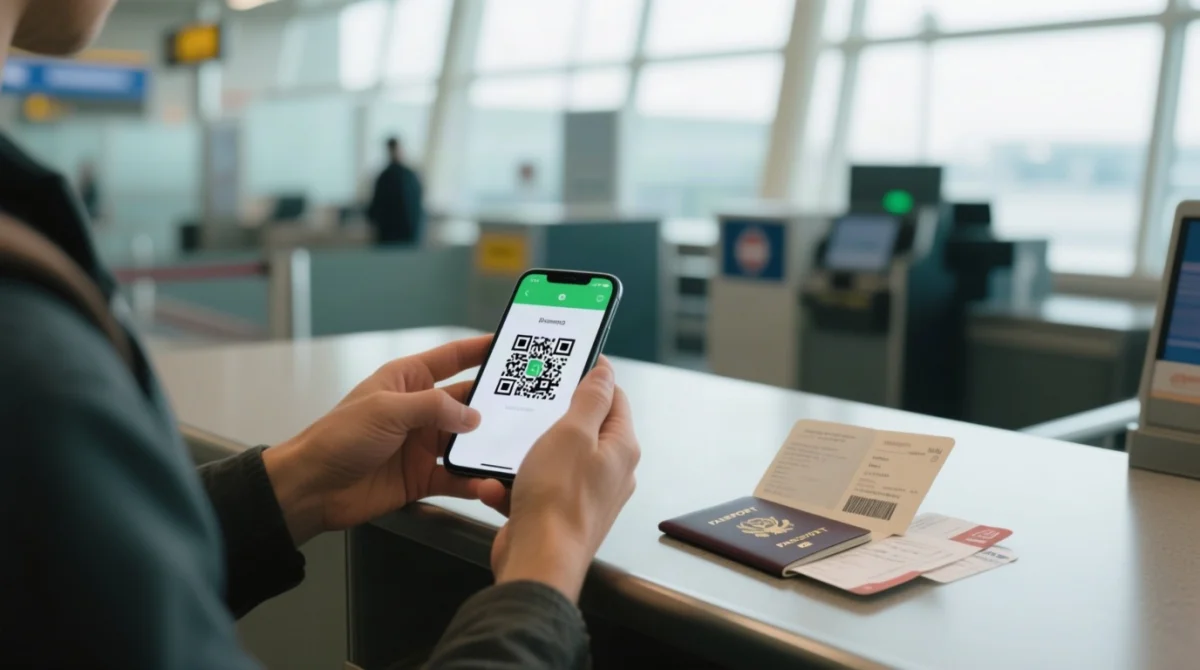
The eTravel Pass is free at etravel.gov.ph (external source) or via the eGovPH app. The QR code determines your arrival procedure and serves as proof of eTravel registration. Present it to the airline representative at check-in or the boarding gate prior to your flight.
| QR Colour | Meaning | Arrival Procedure |
|---|---|---|
| Green | Data submitted is proper and complete | Proceed directly to immigration inspection |
| Red | Data incorrect or health exposure flagged | Mandatory secondary inspection by the Bureau of Quarantine (BOQ) before immigration |
Avoid scam sites that charge a fee for the eTravel Pass. The pass is free. Report fraudulent platforms to the CICC at cicc.gov.ph/report/. If the main eTravel website is down, use the eGovPH app as an alternative registration platform.
QR Code Did Not Appear – What to Do?
- Check internet, refresh, or log back in at etravel.gov.ph/search to download QR from the Edit Registration section.
- If the QR is still missing, report the issue to the CICC at cicc.gov.ph/report/.
- Always download your QR before closing the browser to avoid losing your eTravel Pass confirmation.
FAQ
How long does it take to get an eTravel Pass after submitting the application?
The QR code is generated instantly upon form submission, with no manual approval step. The entire process takes under 10 minutes. Download the QR code immediately before closing your browser and present it to the airline representative at check-in or the boarding gate.
Can I go to the Philippines without an eTravel Pass?
The eTravel Pass is mandatory for all arriving travellers, including international tourists. Only foreign diplomats, dignitaries, and 9(e) visa holders with qualifying diplomatic or service passports are exempt. All standard UK tourists must present a valid QR code as proof of eTravel registration before boarding their flight to the Philippines.
What happens if my QR code is red?
A red QR code indicates incorrect data or health exposure flagging. Upon arrival, you must undergo mandatory secondary inspection by the Bureau of Quarantine (BOQ) before proceeding to immigration formalities. Edit your data at etravel.gov.ph/search prior to processing by border control authorities.
Do I need a separate health declaration for the Philippines?
No. The Electronic Health Declaration Card (eHDC) is integrated into the eTravel Pass system. Completing your eTravel registration covers health surveillance requirements mandated by the Bureau of Quarantine.
How far in advance should I submit my eTravel Pass from the UK?
Submit within the 72-hour (3-day) registration window before departure, calculated in Philippine Standard Time (UTC+8). BST is 7 hours behind PHT; GMT is 8 hours behind PHT. Convert your UK departure time to PHT and count back 72 hours to find your earliest submission time.
What are the requirements to get an eTravel Pass for the Philippines?
You need a passport with at least 6 months validity, an active email address, your flight number, a digital selfie, and your lodging address. UK travellers must use their UK passport number, not their BRP. The eTravel Pass is free of charge, with no service fee or online payment required.
Is the eTravel Pass the same as a visa?
No. The eTravel Pass is a digital travel declaration for economic data analysis and border processing efficiency, not a visa. UK tourists can enter the Philippines visa-free for stays up to 30 days but must still complete the eTravel Pass registration before departure.
What time zone governs the 72-hour deadline for the eTravel Pass?
Philippine Standard Time (UTC+8) governs the 72-hour registration window. If your flight departs the UK at 22:00 BST on Monday, your window opens at 05:00 PHT on Saturday, which is 22:00 BST on Friday in the UK. Always convert UK time to PHT to avoid errors.
Can I edit my eTravel Pass details after submitting them?
Yes. Visit etravel.gov.ph/search and provide your date of birth to access your profile. Make any edits before being processed by border control authorities, including the Bureau of Quarantine and Bureau of Immigration.
What should I do if the eTravel registration website is down?
Retry in 30 to 60 minutes or use the eGovPH app as an alternative registration platform. If you encounter fake or fraudulent websites requiring payment, report them to the CICC at cicc.gov.ph/report/.